Payloads
Main commands
  /new         Create a new payload
  /list        List payloads
  /mod         Modify existing payload
  /del         Delete payload
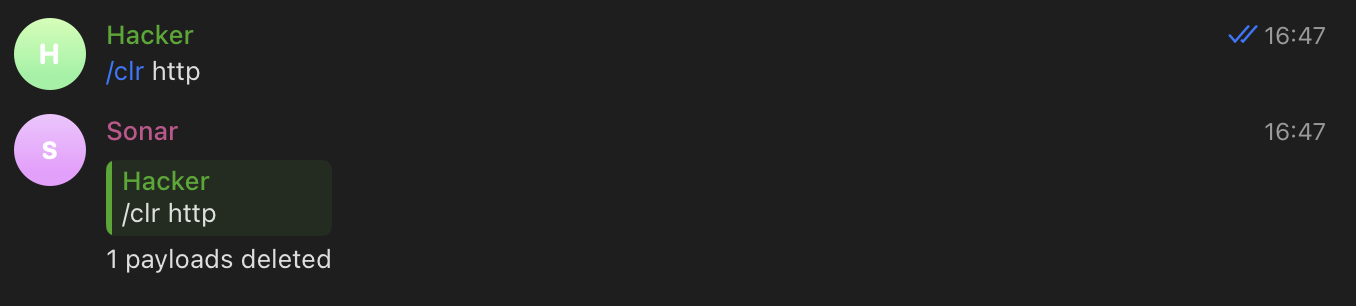
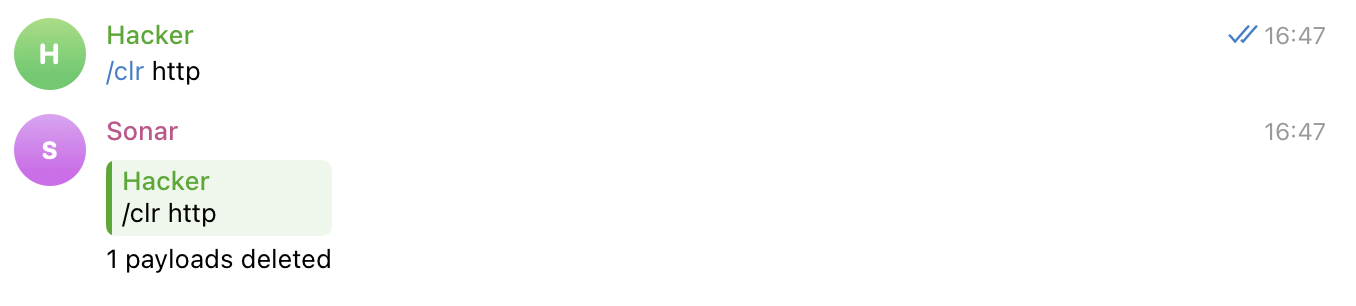
  /clr         Delete multiple payloads
- Payloads are just unique domains with associated names. enable/disable some protocols for payload, add DNS records, etc.) and to distinguish alerts.
- Payload name (
<NAME>) is used to identify the payload in commands (when you enable/disable some protocols for the payload, add DNS records, etc.) and to distinguish alerts. - You can enable/disable alerts for specific protocols for the payload. information about all alerts for the payload using CLI tool or API.
- All events are stored in the Sonar server database, so you can get full information about them using the CLI tool or API.
Create payload
Create a new payload identified by NAME

Usage:
  /new NAME [flags]

Flags:
  -h, --help                help for new
  -p, --protocols strings   Protocols to notify (default [dns,http,smtp,ftp])
Create new payload
/new <NAME>
<NAME>— could be any string (use quotes if you want to have spaces in name). It is used to identify your payload in notifications and other commands.
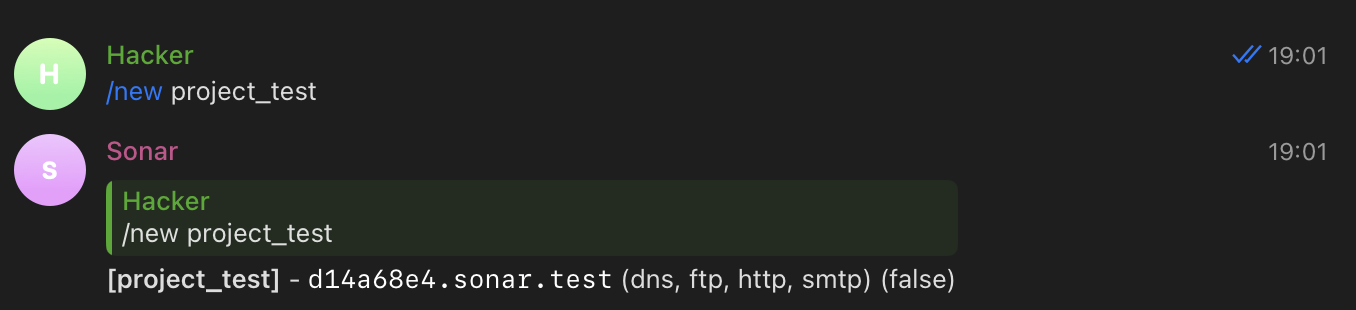
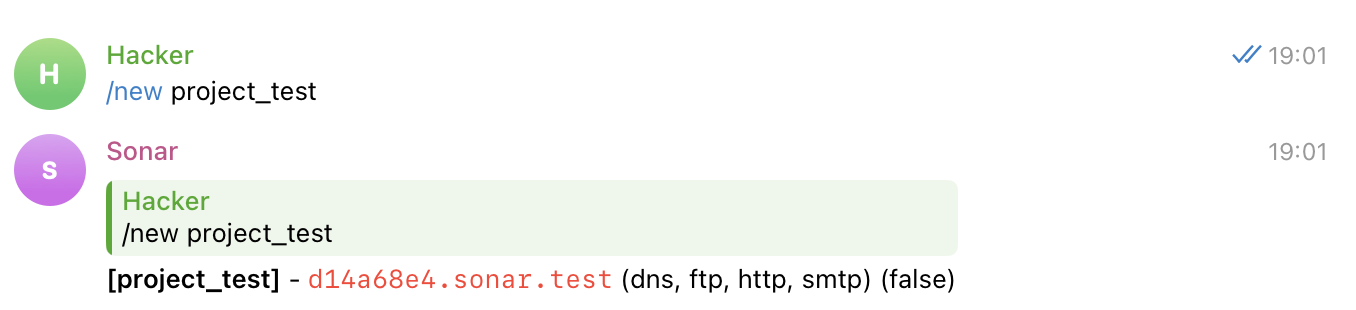
- You will receive notifications about all DNS, HTTP(s), SMTP, FTP interactions containing your
unique subdomain (
d14a68e4in example).
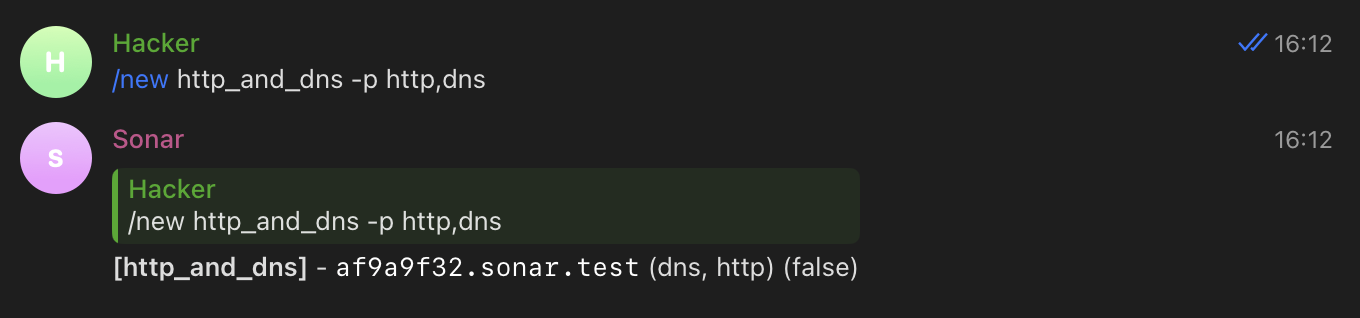
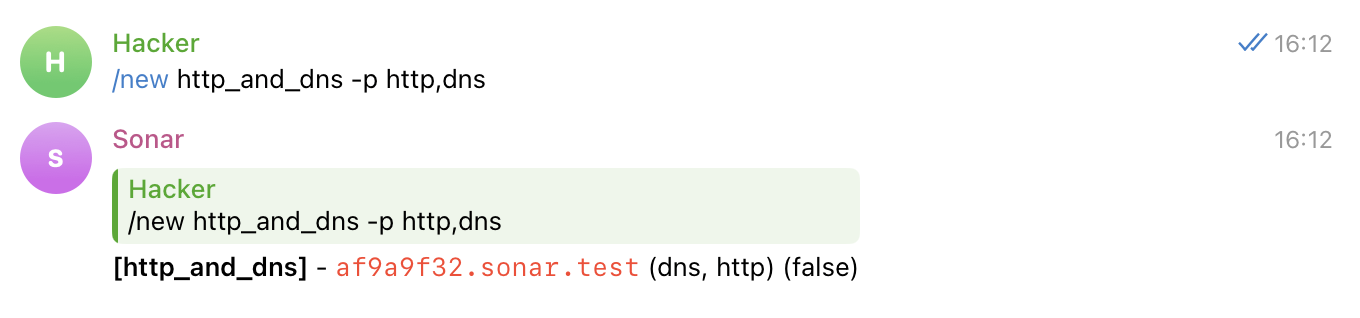
Create payload and enable alerts only for selected protocols
/new <NAME> -p http,dns
List payloads
List payloads which NAME contain SUBSTR

Usage:
  /list [SUBSTR] [flags]

Flags:
  -h, --help   help for list
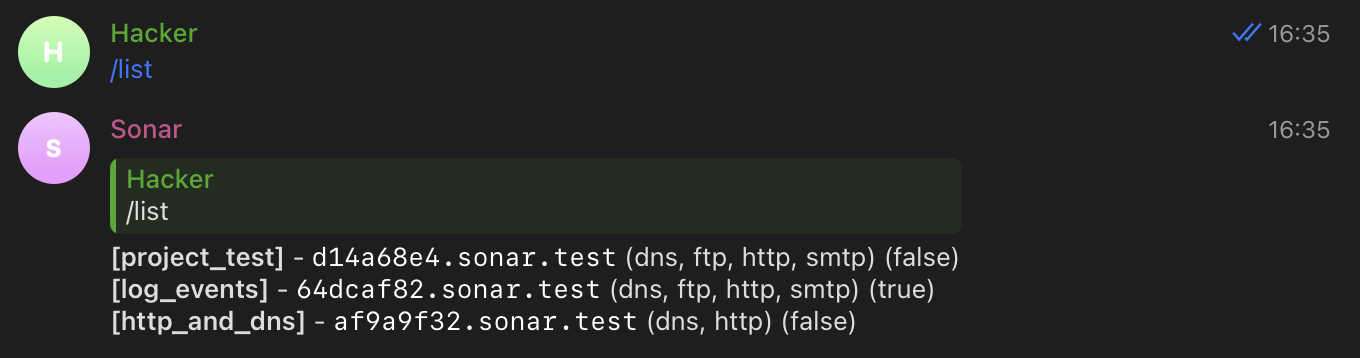
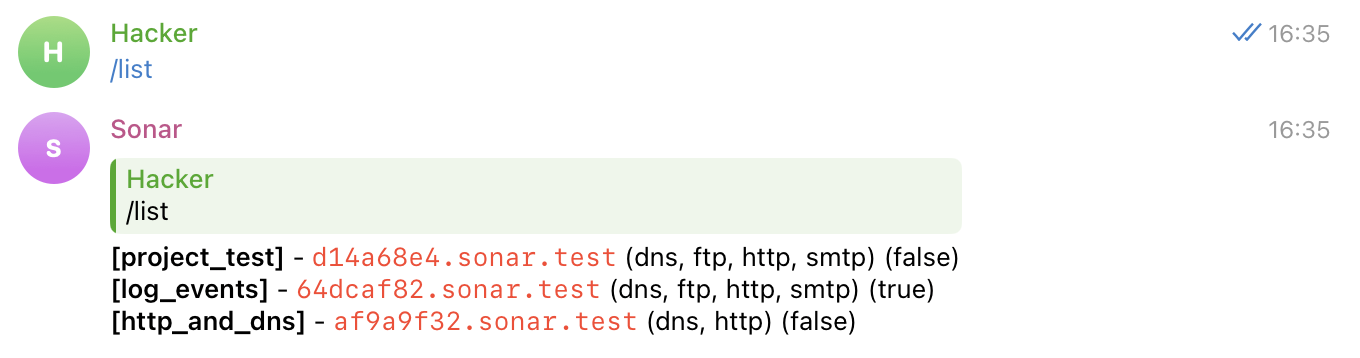
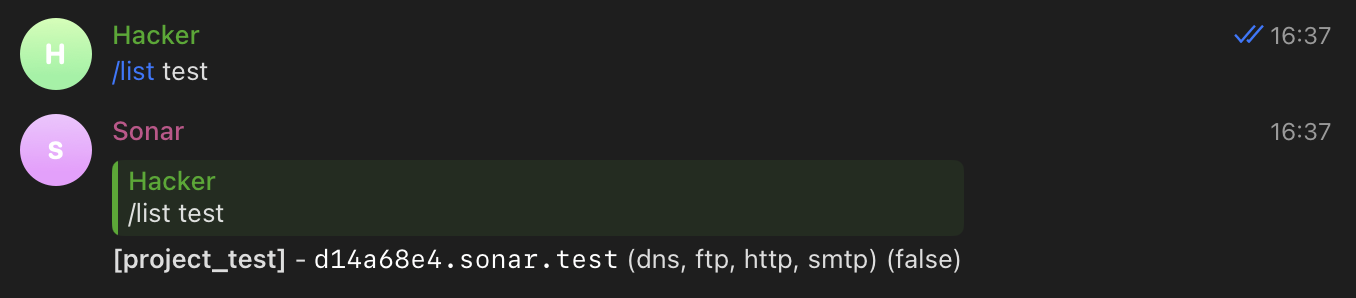
List all payloads
/list
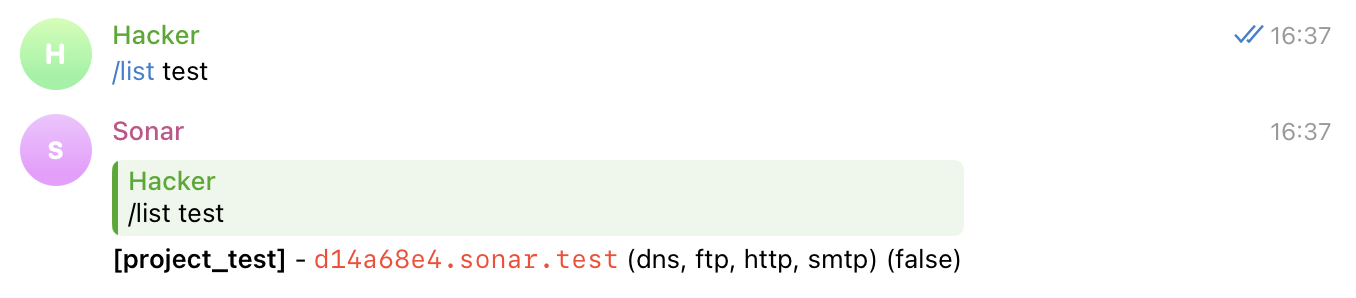
List payloads containing "SUBSTR" in name
/list <SUBSTR>
Modify payload
Modify existing payload identified by NAME

Usage:
  /mod NAME [flags]

Flags:
  -h, --help                help for mod
  -n, --name string         Payload name
  -p, --protocols strings   Protocols to notify
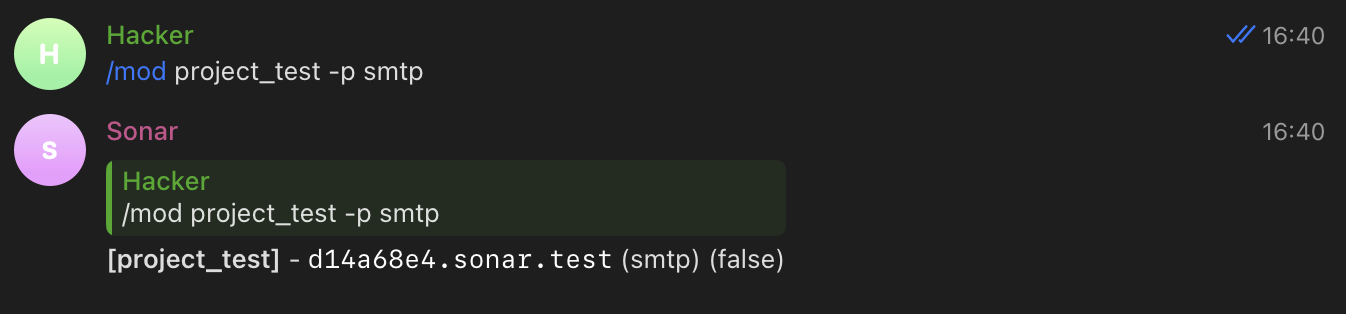
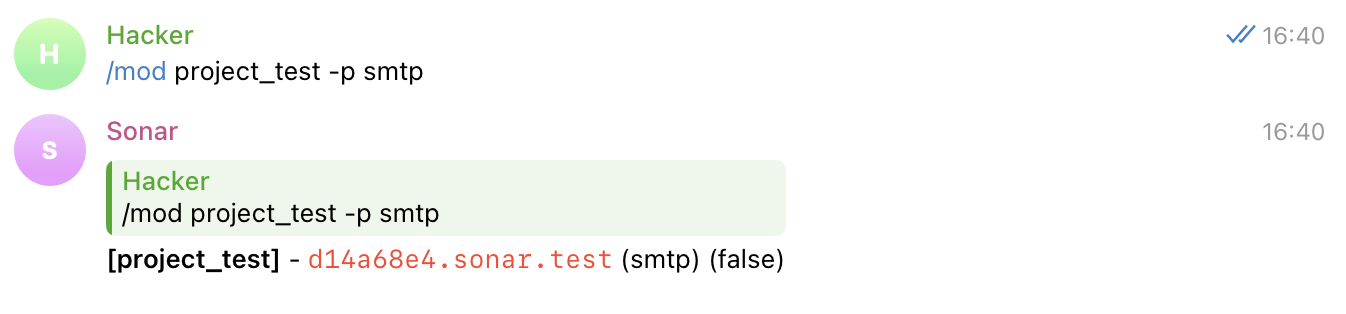
Change the protocols for the payload for which you want to be alerted
/mod <NAME> -p smtp
Delete payload
Delete payload identified by NAME

Usage:
  /del NAME [flags]

Flags:
  -h, --help   help for del
Delete single payload by name
/del <NAME>
Clear payloads
Delete payloads that have a SUBSTR in their NAME

Usage:
  /clr [SUBSTR] [flags]

Flags:
  -h, --help   help for clr
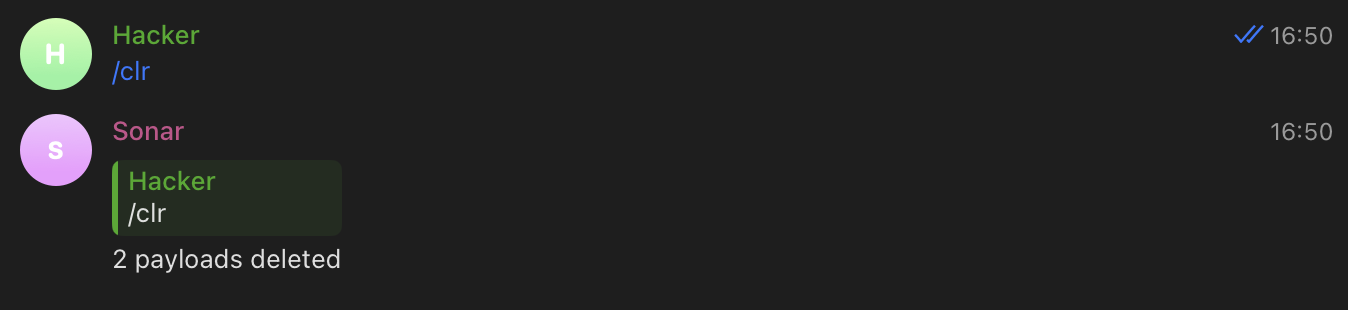
Delete all payloads
/clr
Delete payloads containing "SUBSTR" in name
/clr <SUBSTR>